
发布状态即将推出
Price
Free
版本1.0.0
分类Araçlar
最低 Android8.0
最近更新2026-10-03
APK 下载次数9
软件包名称com.coskun.deleteapk
所需应用
使用本应用的全部功能需要以下应用。
简介
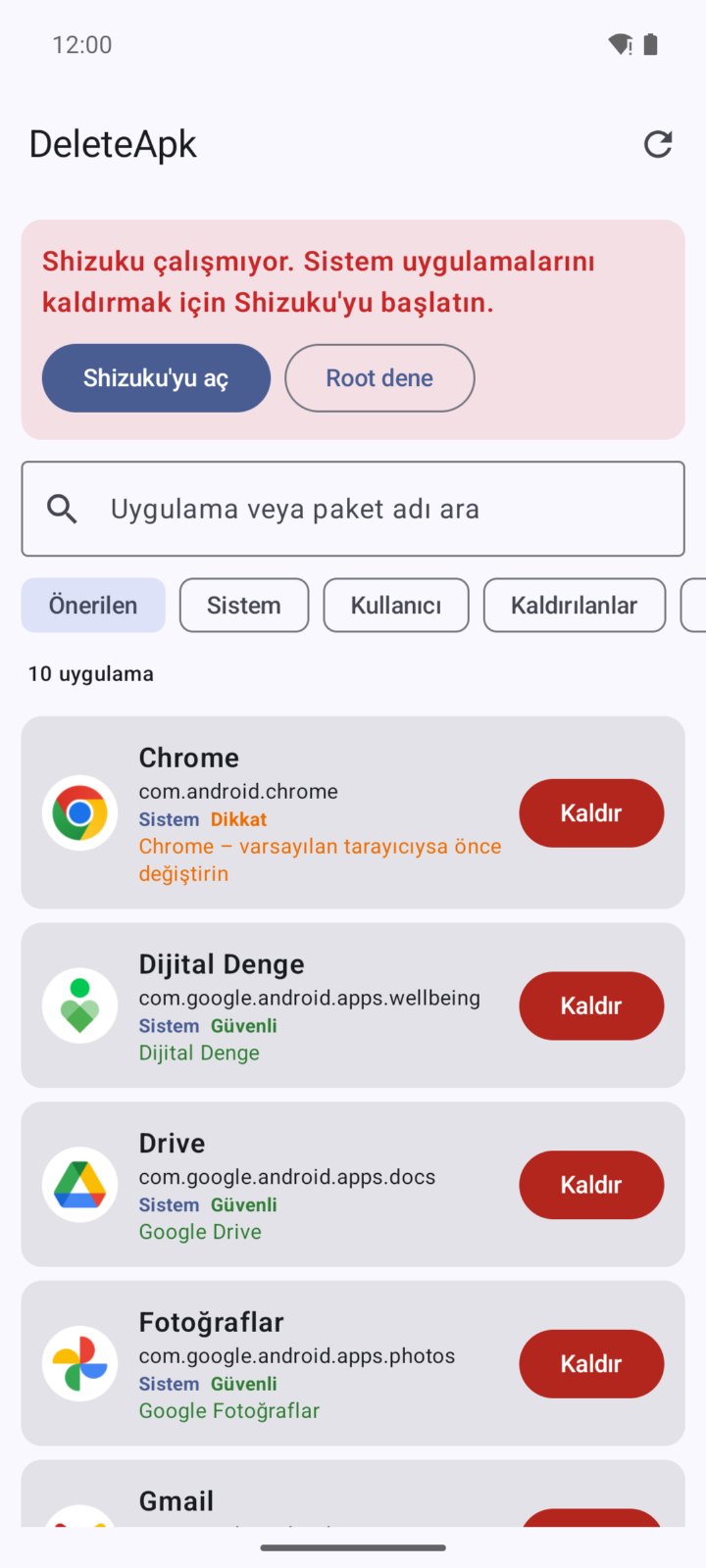
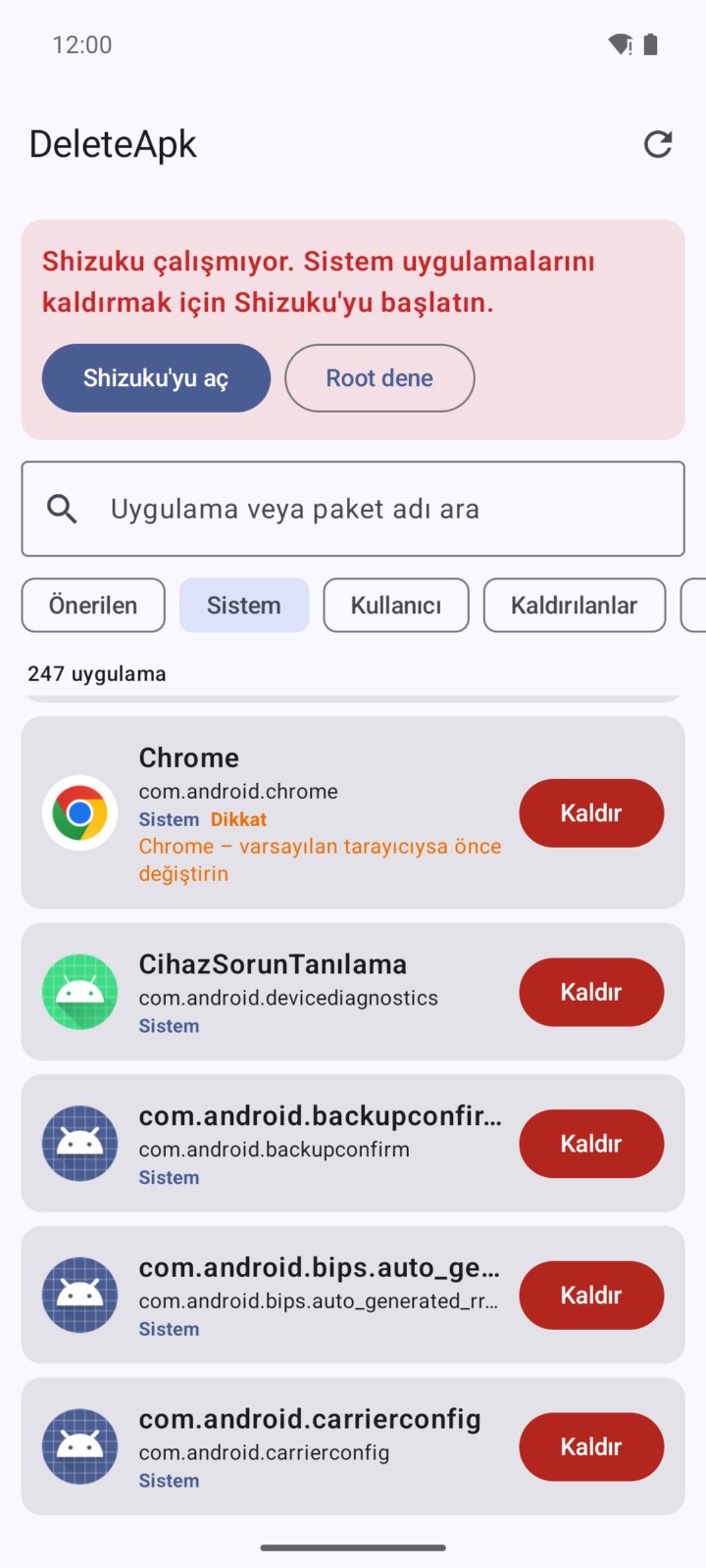
DeleteApk lets you manage preinstalled bloatware and user apps from a single screen. • Recommended, System, User, Removed and All filters • Search by app or package name • Risk notes for known apps • Remove system apps via Shizuku or root • Restore removed apps with one tap Apps are removed for the current user only; system files are not deleted and can be restored anytime.
功能
- Bloatware cleanup
- Shizuku and root support
- Risk notes
- Restore removed apps
- Search and filters
使用方法
- First install the Shizuku app (see "Required apps" below).
- Enable Developer options on your phone: Settings > About phone > tap Build number 7 times.
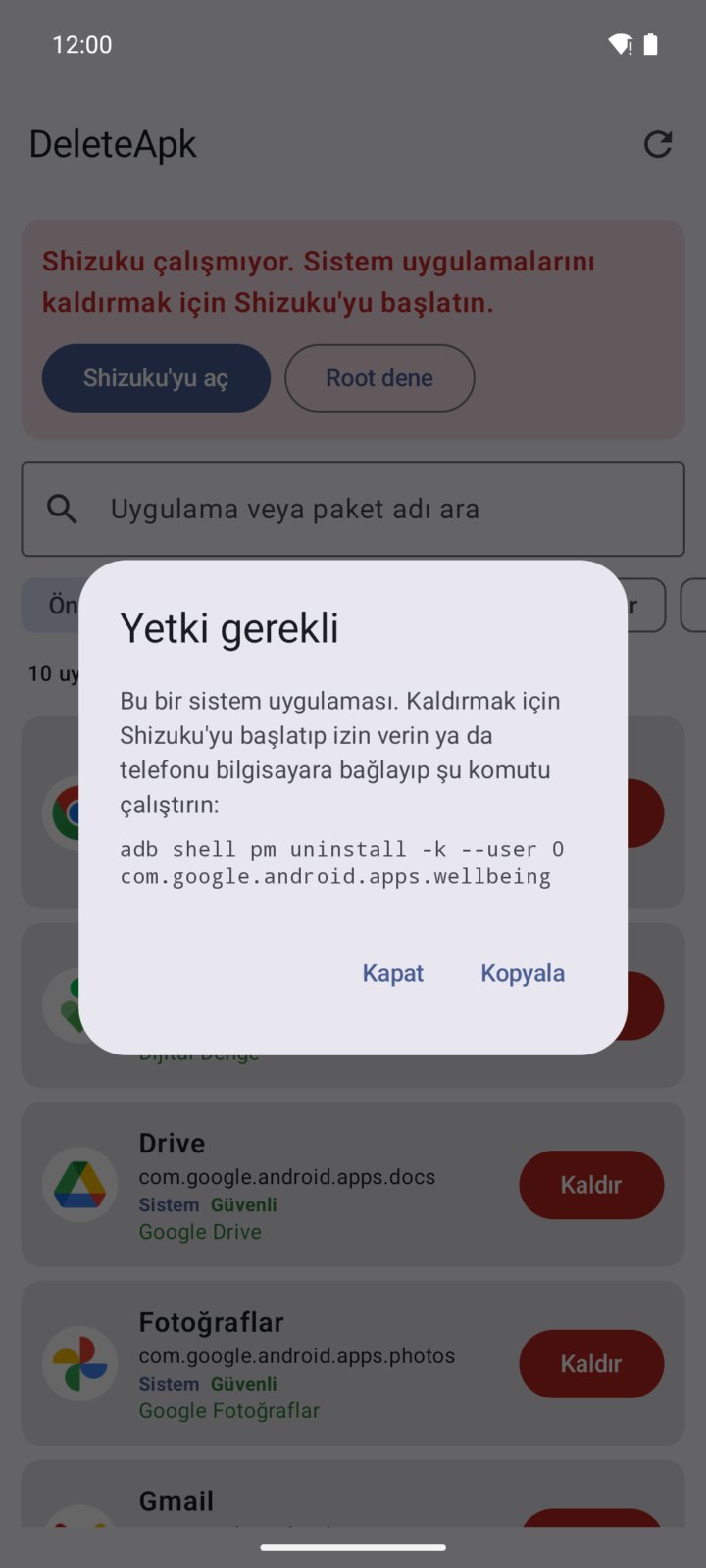
- In Developer options turn on "Wireless debugging", then open Shizuku, follow "Start via Wireless debugging" to pair and start the service (on rooted devices "Start with root" is enough).
- Open DeleteApk and tap "Allow" when the Shizuku permission is requested. If you use root, tap "Try root".
- Pick the app you want to remove from the Recommended, System or User tab and read its "Safe" / "Caution" risk note.
- Tap "Uninstall". The app is removed only for the current user; system files are not deleted.
- Restore any app you removed by mistake from the "Removed" tab with a single tap.
- Note: after a reboot you need to start the Shizuku service again (not needed with root).
支持的语言
Türkçe
截图
评论
暂无已通过的评论。